← Back
Co-founder (Design Lead) at
Mues AI
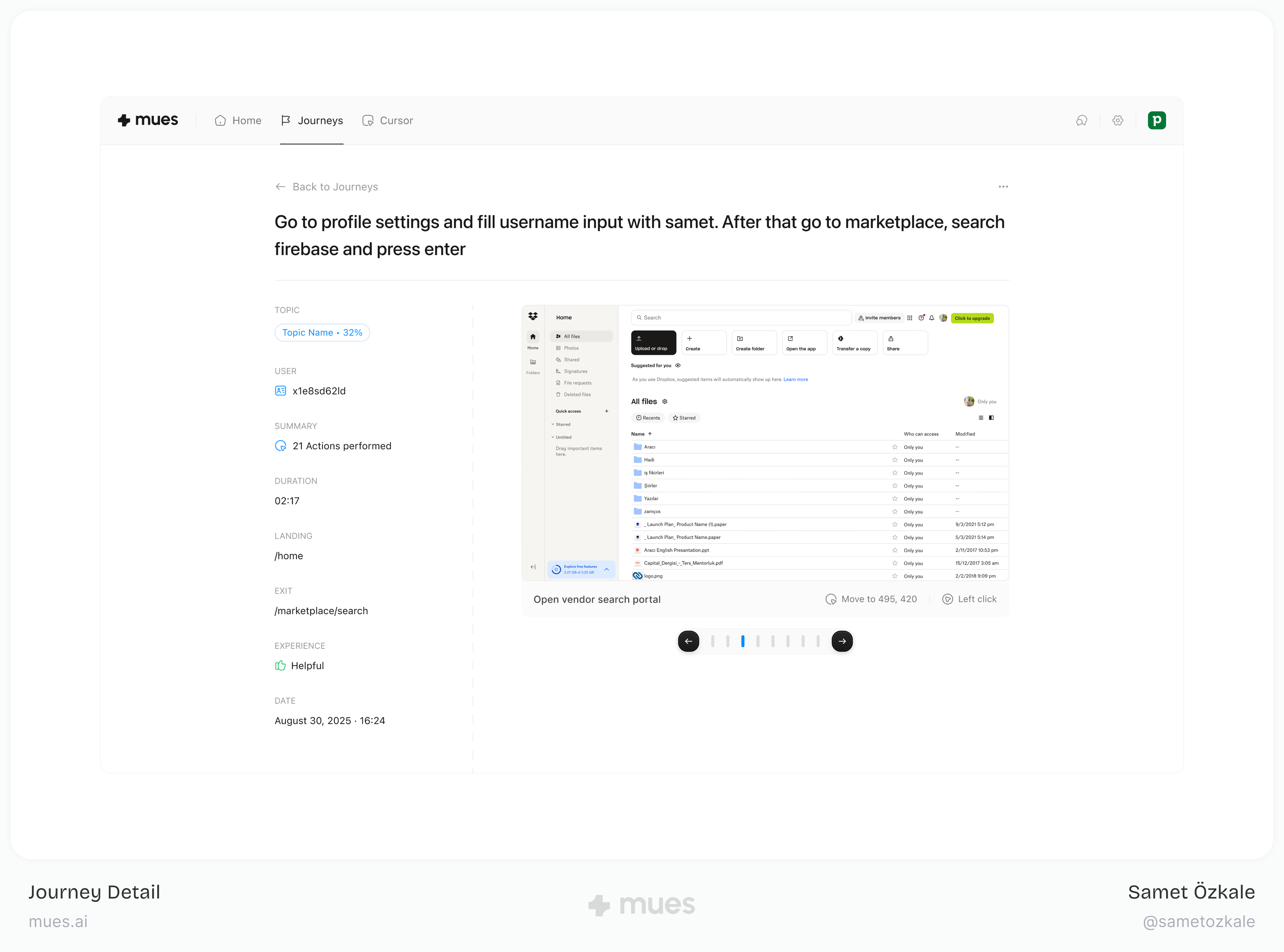
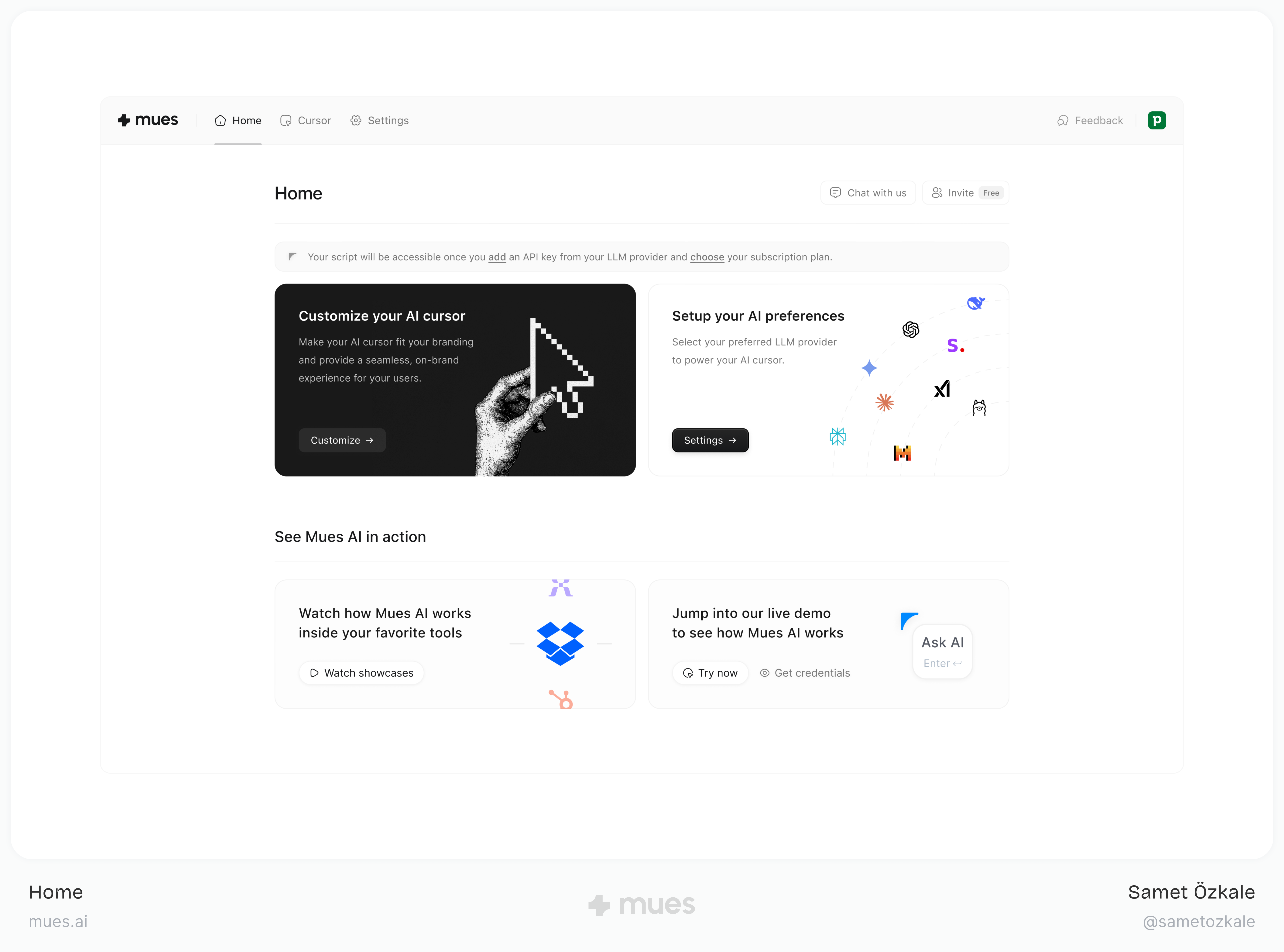
At Mues AI, I led product strategy and design for agentic AI cursor technology that transforms user interaction with software applications. I built the first agentic AI cursor for human software interaction, creating domain-specific AI agents capable of performing complex user actions, including navigation, form completion, and workflow automation.
This groundbreaking work represents a new paradigm in human-computer interaction, where AI agents understand and execute user intentions seamlessly across different software applications.
The Challenge
B2B SaaS companies face a stubborn paradox: products keep getting more capable while adoption and retention soften. The productivity lost in the gap between what software can do and what people actually use costs the industry about $4.6 billion a year.
Core problems we focused on:
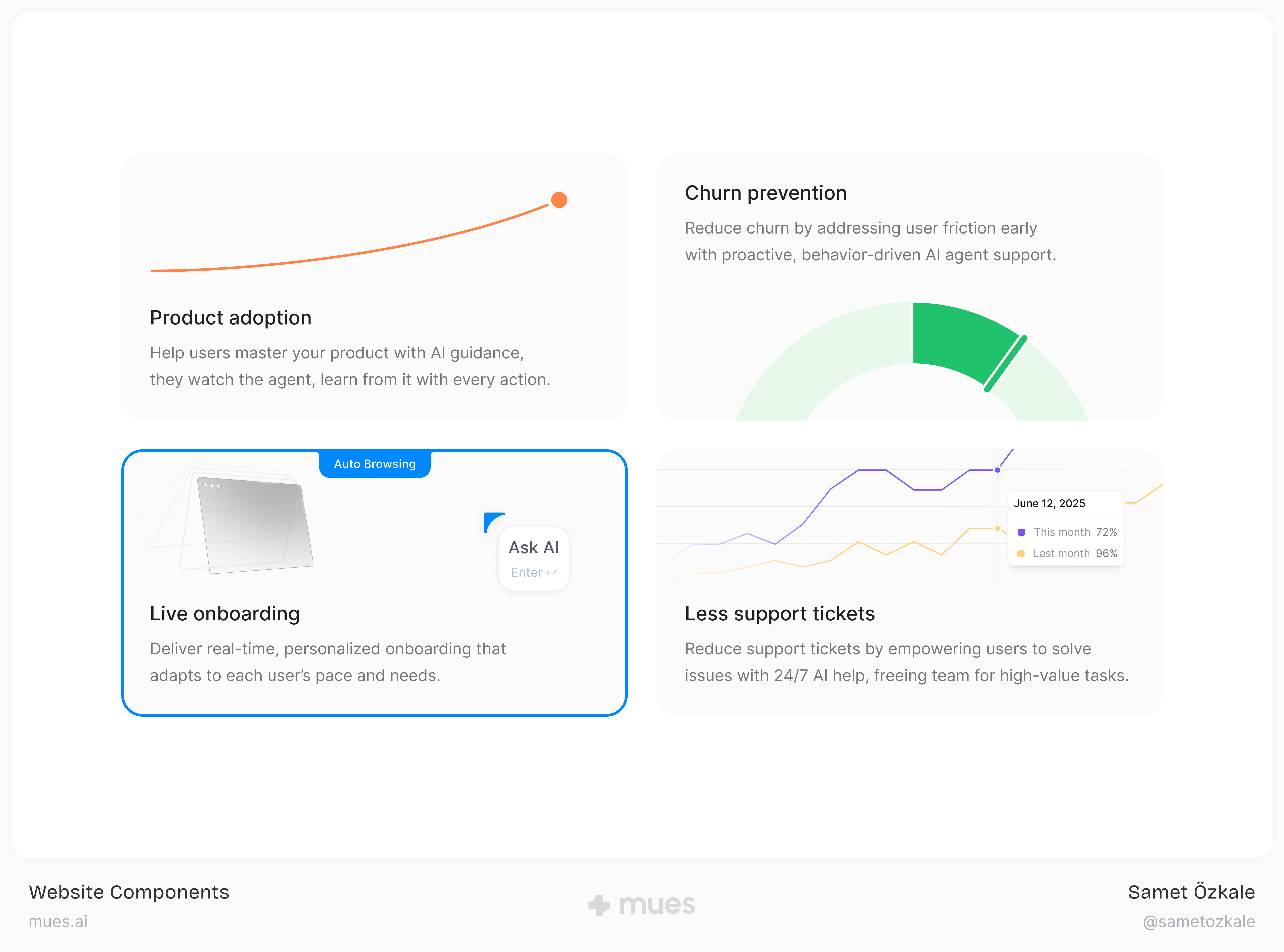
- Complex onboarding and churn. Steep learning curves push people out before value lands.
- Slow feature adoption. Users struggle to understand and use new capabilities quickly.
- Underused products. Customers rarely discover the full value of what they already pay for.
- Workflow and automation friction. Non-technical users get stuck when tools expect technical fluency.
- Heavy support load. Teams spend heavily on training and frontline support; median support-worker costs often land around $82,341 per year per organization in comparable benchmarks.
For a B2B SaaS company at roughly $10M ARR, that friction can translate to about $385,000 in annual downside, driven by wasted seats, support volume, and expansion that never happens.
The Vision
Build a world where software bends to people, not the other way around, so everyday users can work like power users with AI that meets them in context.
My Role and Approach
As Lead Designer, I ran the design work from first concept through launch alongside engineering and product. The mandate was not to refine familiar patterns but to define a new interaction model for how people operate software.
The Solution: Agentic AI Cursor
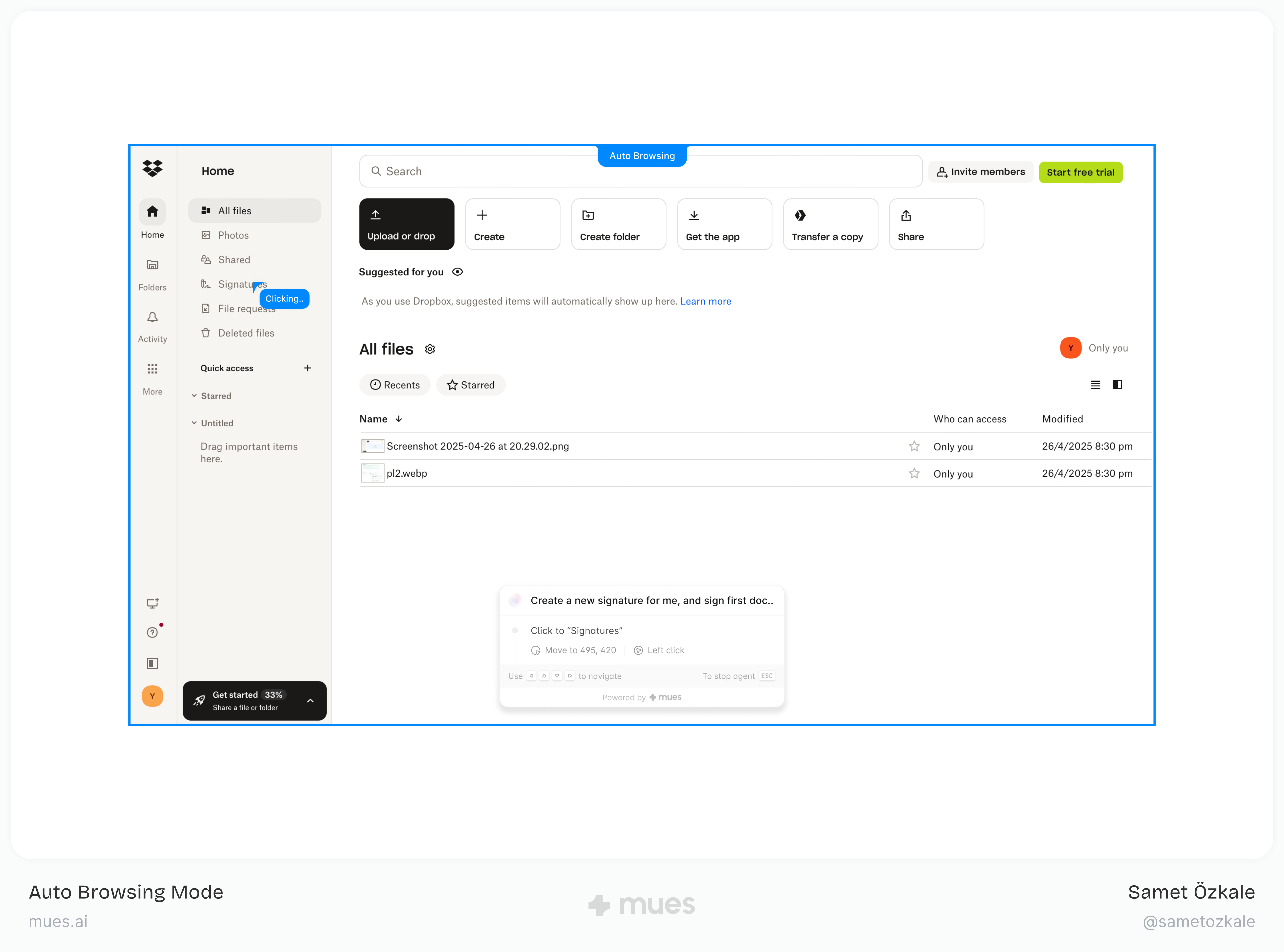
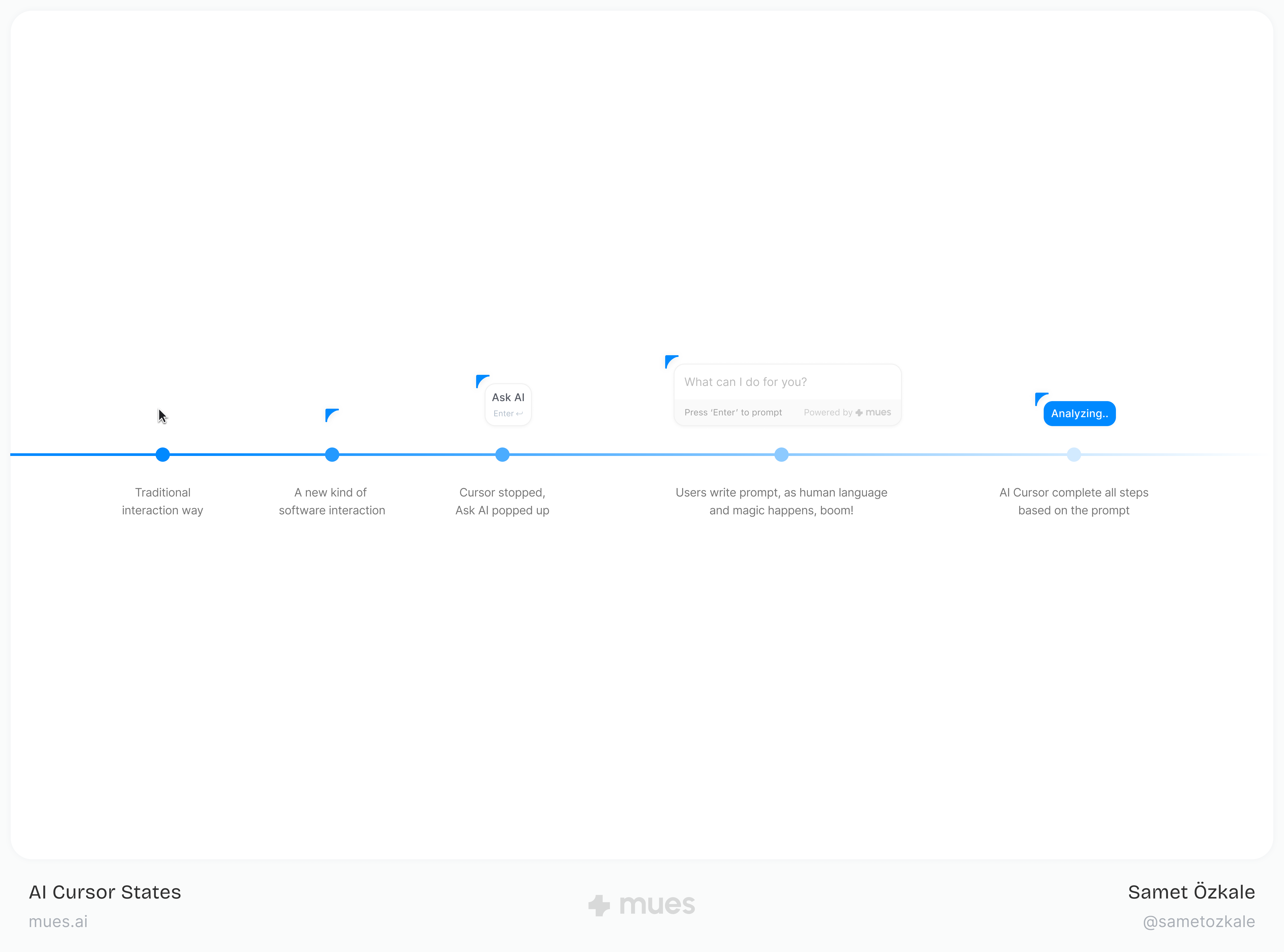
Rather than stacking another surface on top of complex UIs, Mues AI turns the cursor into an agent. People describe what they need in plain language; the cursor navigates screens, fills forms, stitches workflows, and completes multi-step work end to end.
Core Design Principles
- Invisible integration. The AI works inside existing web apps without bespoke integrations or a separate chrome that fights the product.
- Natural language first. No command language to memorize; intent is expressed the way people already talk.
- Process learning by observation. The cursor learns from what people do, so flows can be replayed and improved without brittle configuration.
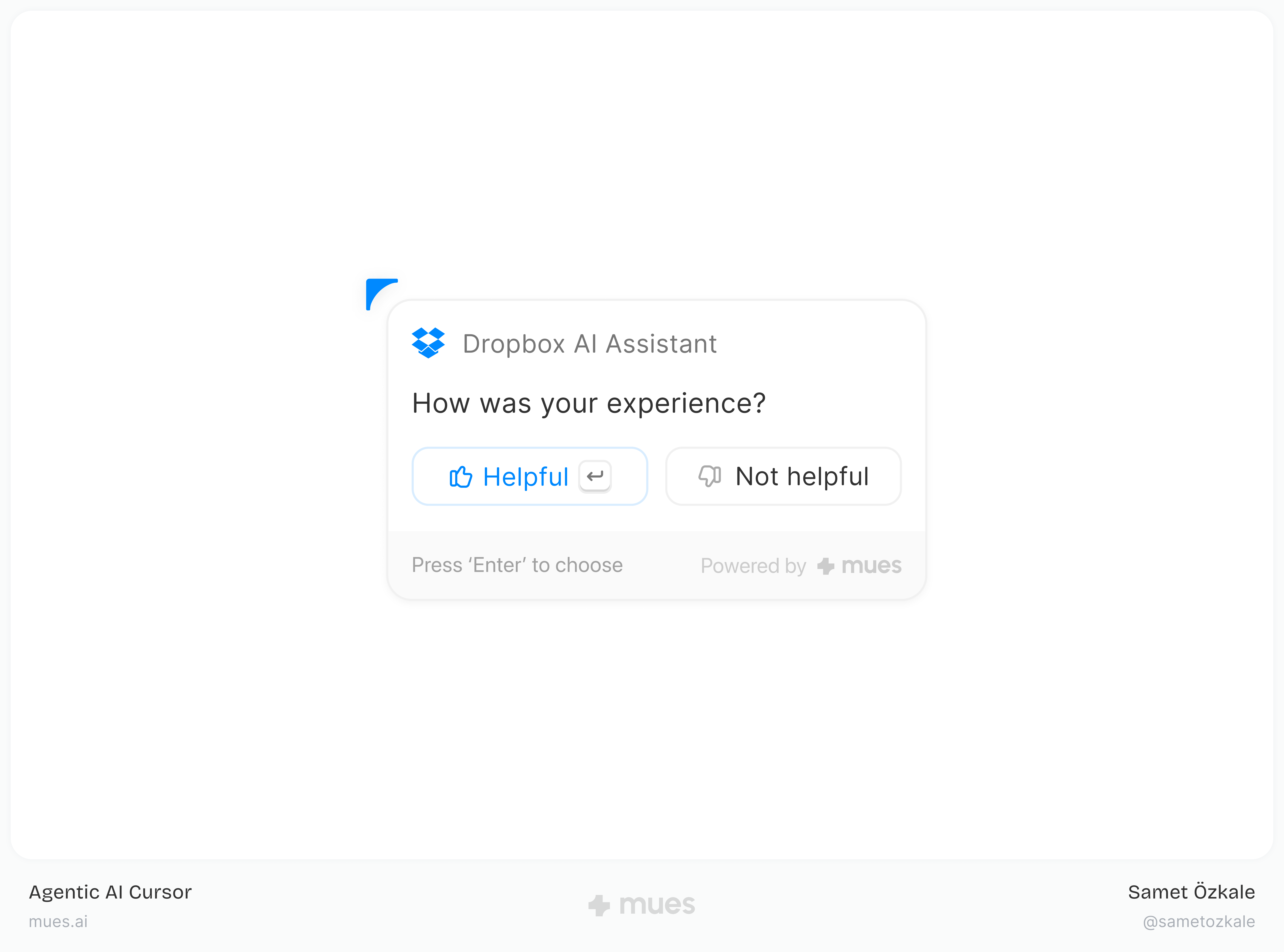
- Transparent AI actions. Live feedback shows progress and decisions, with room to pause or roll back so trust stays earned.
- Seamless UI adaptation. When interfaces shift, behavior adapts from usage, often ahead of static documentation.
Key Features Designed
- Onboarding automation
- Intelligent task execution
- Customer support integration
- Workflow automation
Design Challenges and Solutions
Challenge 1: Trust in AI actions
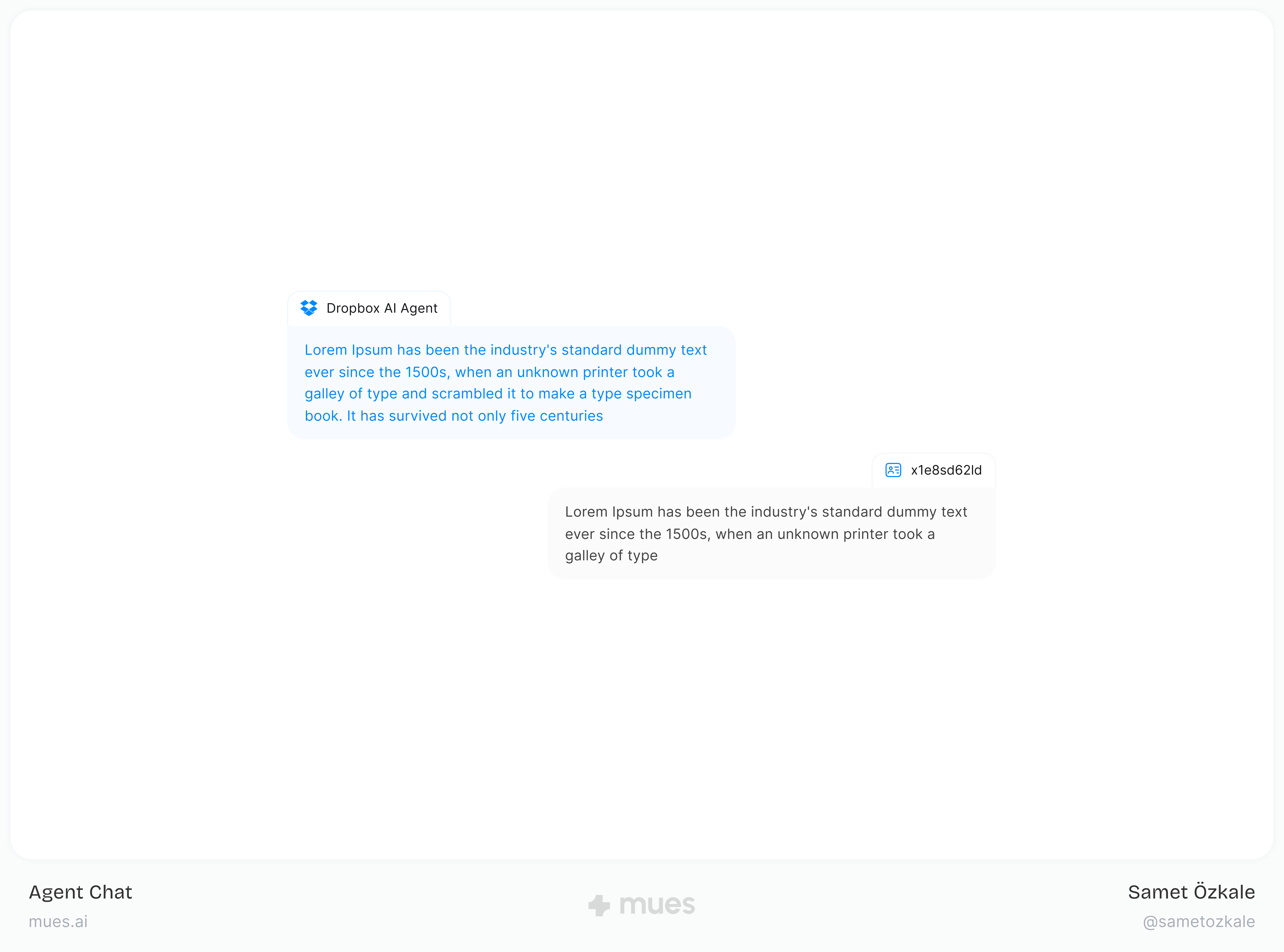
We built a feedback system that surfaces progress, branching decisions, and recoverability: pause, undo, and clear state for what the model is evaluating versus executing.
Challenge 2: Autonomy versus control
A layered model lets people choose depth, from hands-off automation to guided steps, without switching products.
Challenge 3: Diverse interfaces
Patterns were stress-tested across CRMs, project tools, analytics products, and internal consoles so behavior stays stable when layouts differ.
Challenge 4: A genuinely new paradigm
Through iterative research, we converged on interactions that felt learnable on first contact, even when nothing like it existed in the market yet.
Impact and Results
I was the first designer to transform the traditional black-and-white cursor into an AI cursor, redefining what a cursor can do inside modern software.
User feedback
- “It feels like a patient colleague sitting next to you, showing how the product actually works.”
- “This maps cleanly onto support pain: it walks users through features instead of leaving them stuck.”
- “For smaller teams with limited technical depth, a guided layer like this would be a real unlock.”
Outcomes
- Shipped the MVP in June 2025.
- Signed the first paying B2B SaaS customers shortly after launch.
- Validated with about 120 product and support professionals during development.
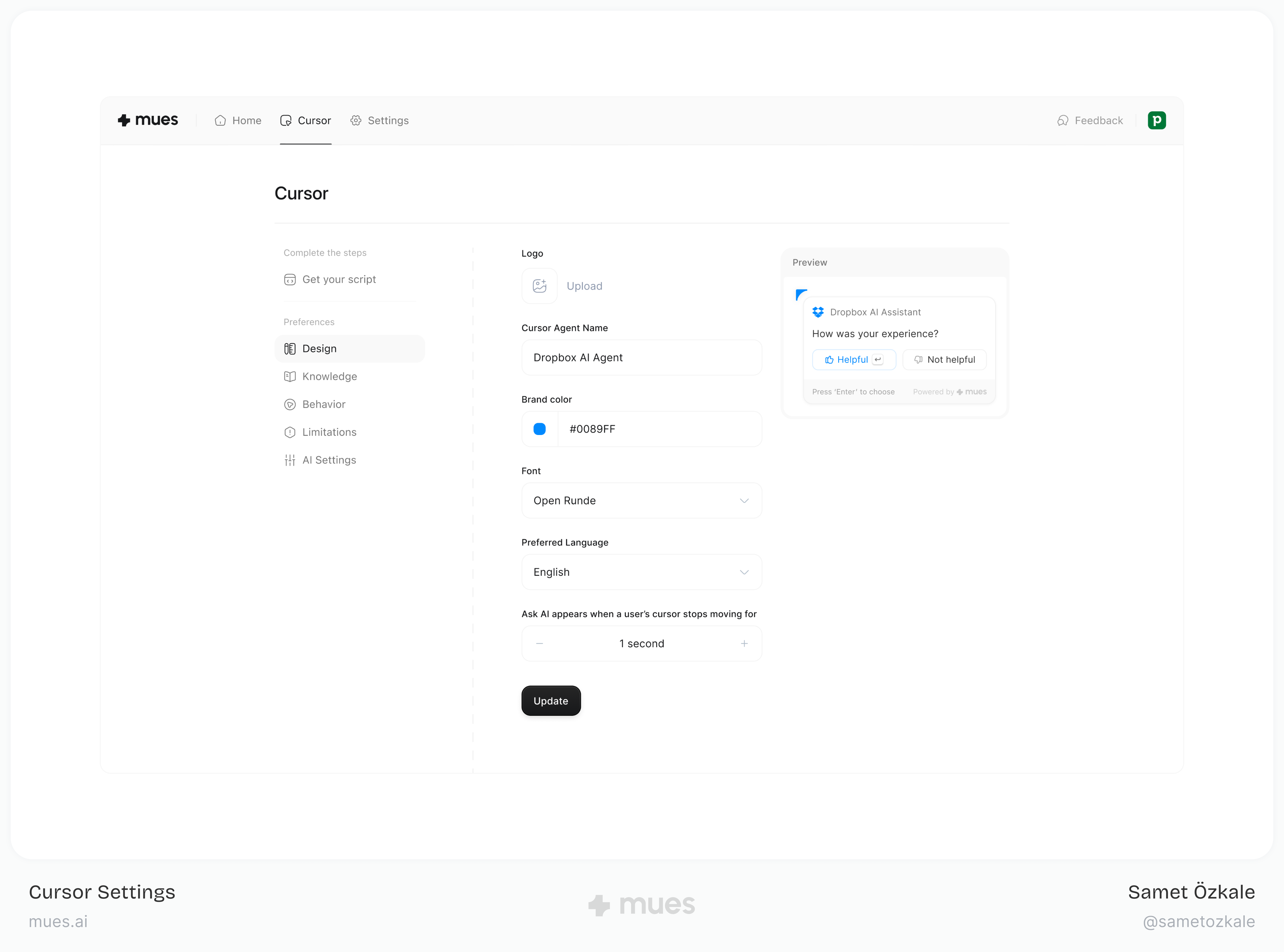
- Designed and built a comprehensive design system from scratch as a core product output, enabling consistency, faster iteration, and scalable collaboration across teams.
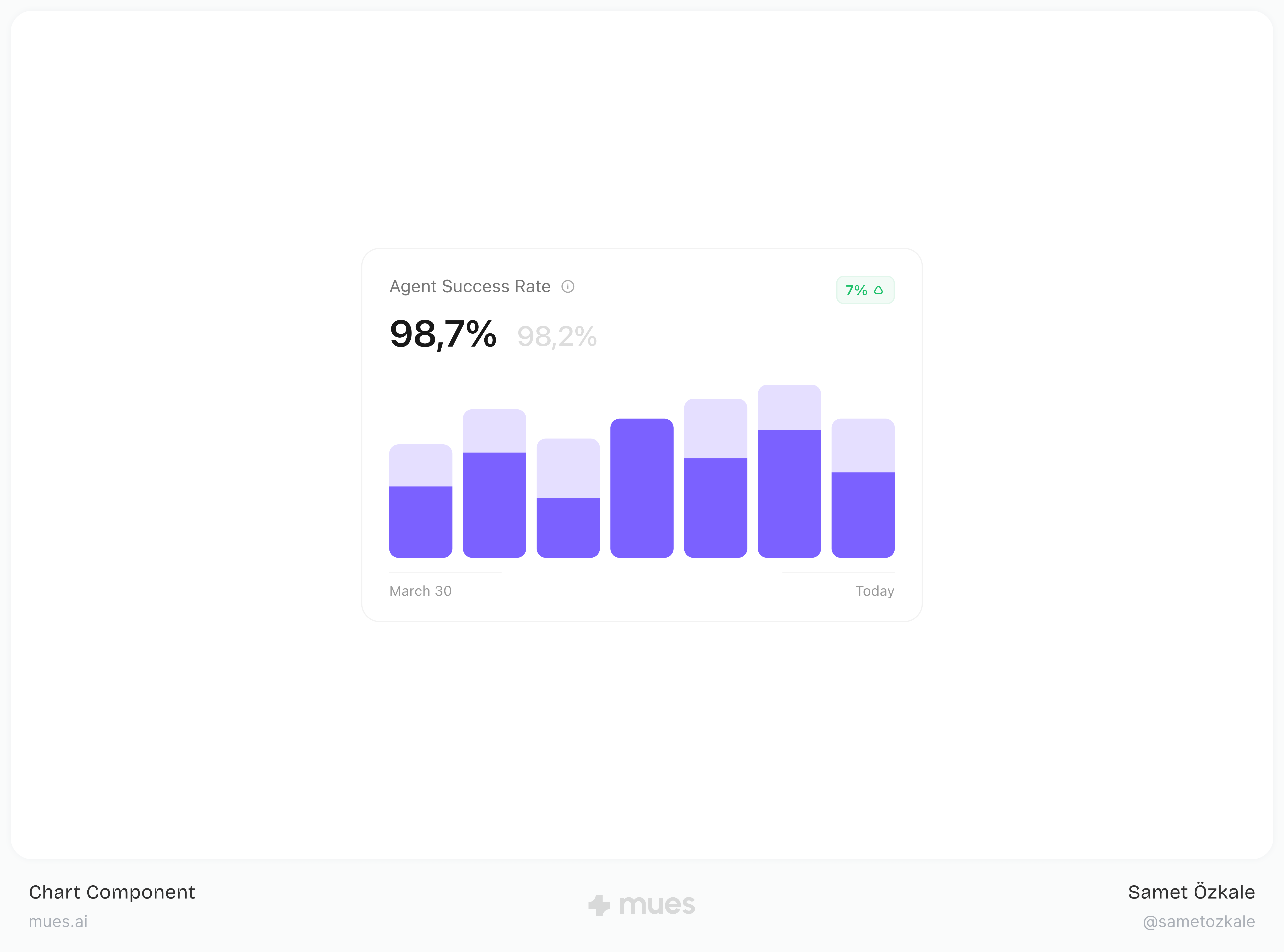
- Grounded the build in measurable ROI against real workflow and support costs.
Business impact
- Clear differentiation in a crowded assistant and automation landscape.
- A B2B2C path that can scale with partners and end users.
- Early positioning in agentic software interaction, where the cursor is the interface.